
Vue Starter Template
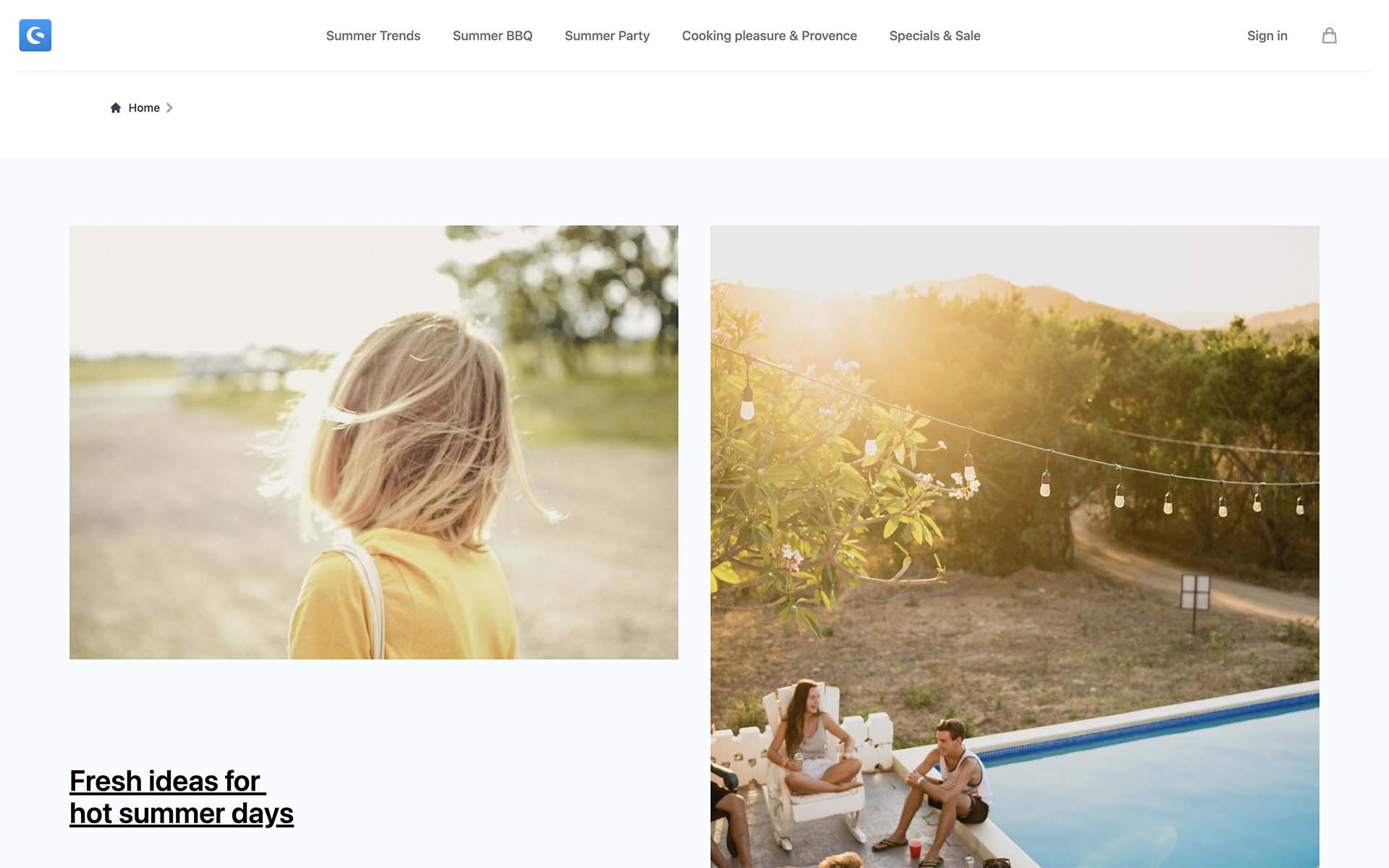
The Vue Starter Template is a production-ready foundation for building custom Shopware storefronts with Nuxt 4.x.
INFO
This template provides essential packages and configuration to start building your storefront.
Setup & run
Alternatively, set up the vue-starter-template manually by running the following commands in a new directory:
npx tiged shopware/frontends/templates/vue-starter-template my-store && cd my-store
npm i && npm run dev
Directory structure
The directory structure follows Nuxt 4.x conventions with the app/ directory:
my-store/
├─ app/
│  ├─ components/
│  │  ├─ layout/       /* header, footer, account menu etc. */
│  │  ├─ checkout/     /* cart items, cart overview */
│  │  ├─ account/      /* order history, account settings */
│  │  ├─ product/      /* product components */
│  │  ├─ form/         /* form components */
│  │  ├─ shared/       /* modals, notifications */
│  │  ├─ ...
│  ├─ composables/     /* auto-imported composables */
│  ├─ layouts/
│  │  ├─ checkout.vue  /* minimal layout without navigation and footer */
│  │  ├─ default.vue   /* default layout with navigation and footer */
│  ├─ pages/
│  │  ├─ checkout/     /* checkout pages */
│  │  ├─ account/      /* user account pages */
│  │  ├─ [...all].vue  /* catch-all route for CMS pages */
│  │  ├─ ...
│  ├─ utils/           /* utility functions */
│  ├─ app.config.ts    /* app configuration */
│  ├─ app.vue          /* app root component */
├─ i18n/               /* internationalization */
├─ public/             /* static assets */
├─ server/             /* server-side code */
├─ nuxt.config.ts      /* Nuxt configuration */
├─ package.json
├─ tsconfig.json
The app/components/ directory contains components organized by their usage context. The app/composables/ directory contains auto-imported composables for shared logic.
Customizing the template
The Vue Starter Template is designed to be customized. All components can be modified directly in your project. You can extend the template using Nuxt layers for better maintainability and to receive updates automatically.
TIP
See the Vue Starter Template Extended example to learn how to use Nuxt layers to extend the base template while keeping your customizations separate.
CMS Components
One exception to the rule are CMS components. CMS components are handled as a separate package cms-base in Shopware Frontends and can be updated automatically. However, you can still override the components from the package in your custom project.
Configure
The Vue Starter Template is pre-configured to connect to a public Shopware backend, so you can start building right away.
In order to connect it to your own store backend, you need to edit the nuxt.config.ts file and edit a configuration object with shopware as a key:
/* ... */
export default defineNuxtConfig({
  runtimeConfig: {
    // shopware: {
    /**
     * SSR Shopware Endpoint
     * More here: https://frontends.shopware.com/getting-started/templates/custom-vue-project.html#shopware-endpoint-on-the-ssr-mode
     */
    //   endpoint: ""
    // },
    public: {
      shopware: {
        endpoint: "https://your-business.shopware.store",
        accessToken: "access-token-from-settings",
        // Optional: Required for local development when using customer registration
        // devStorefrontUrl: "https://your-business.shopware.store",
      },
    },
  },
});
You can also use .env file to override this configuration. More about this you can find here
devStorefrontUrl for local development
If you're developing locally and need customer registration to work, set devStorefrontUrl to a domain configured in your Sales Channel settings. See the troubleshooting guide for details.
Next Steps
Now that you have the Vue Starter Template set up, you can:
- Explore the CMS components to customize your content
- Learn about routing to handle dynamic pages
- Build page elements like navigation and product listings
- Set up e-commerce features like cart and checkout
If you need help or want to contribute, feel free to create an issue or make a contribution.
