
Setup Templates
Shopware Frontends offers shortcuts to getting started with your custom frontend. These so-called templates offer different levels of "completeness" of a project.
HINT 💡
Integrate Shopware Frontends as an npm package into your existing custom Vue project.
Vue Starter Template
The Vue Starter Template is a production-ready foundation for building custom Shopware storefronts. Unlike the Demo Store Template, it contains no demo UI or boilerplate - just the essential packages and configuration you need to start building.
What's included:
- Nuxt 4.x with full SSR
- All Shopware Frontends core packages
- UnoCSS (Tailwind-compatible) styling
- i18n support
- TypeScript with type generation
Best for: Starting a new production storefront project from a clean foundation.
Vue Starter Template Extended
An example implementation showing how to extend the Vue Starter Template using Nuxt layers. This "Lumora" branded demo demonstrates how to create brand-specific storefronts while inheriting all base functionality.
Layer benefits:
- Minimal code duplication
- Override only what you need
- Automatic base template updates
- Multiple brand variants from one base
Best for: Learning the layer pattern or managing multiple brand storefronts.
Blank Template
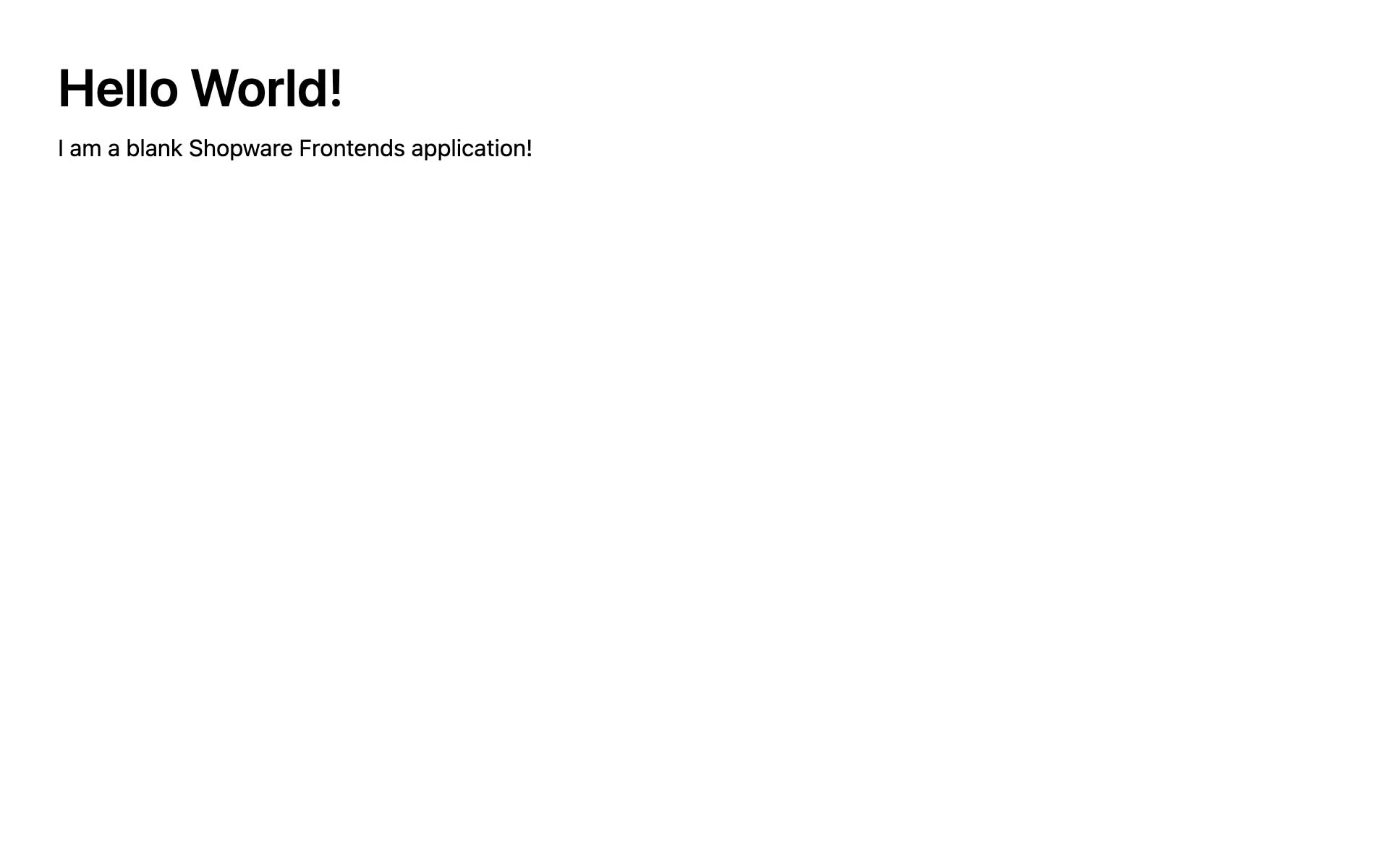
If you like to start from scratch, you can use the blank template. It can be handy if you want to use a different CSS framework or create a completely new frontend, but leverage the built-in functionality of all Shopware Frontends packages.
The blank template has all "non-UI" packages pre-installed, but you have to bring your own styles and components.
Demo Store Template
DEPRECATED
This standalone template is deprecated. We recommend using the Vue Starter Template approach, which leverages Nuxt layers to extend a base template. This pattern provides better maintainability, automatic updates, and allows you to build multiple brand storefronts from a single foundation.
INFO
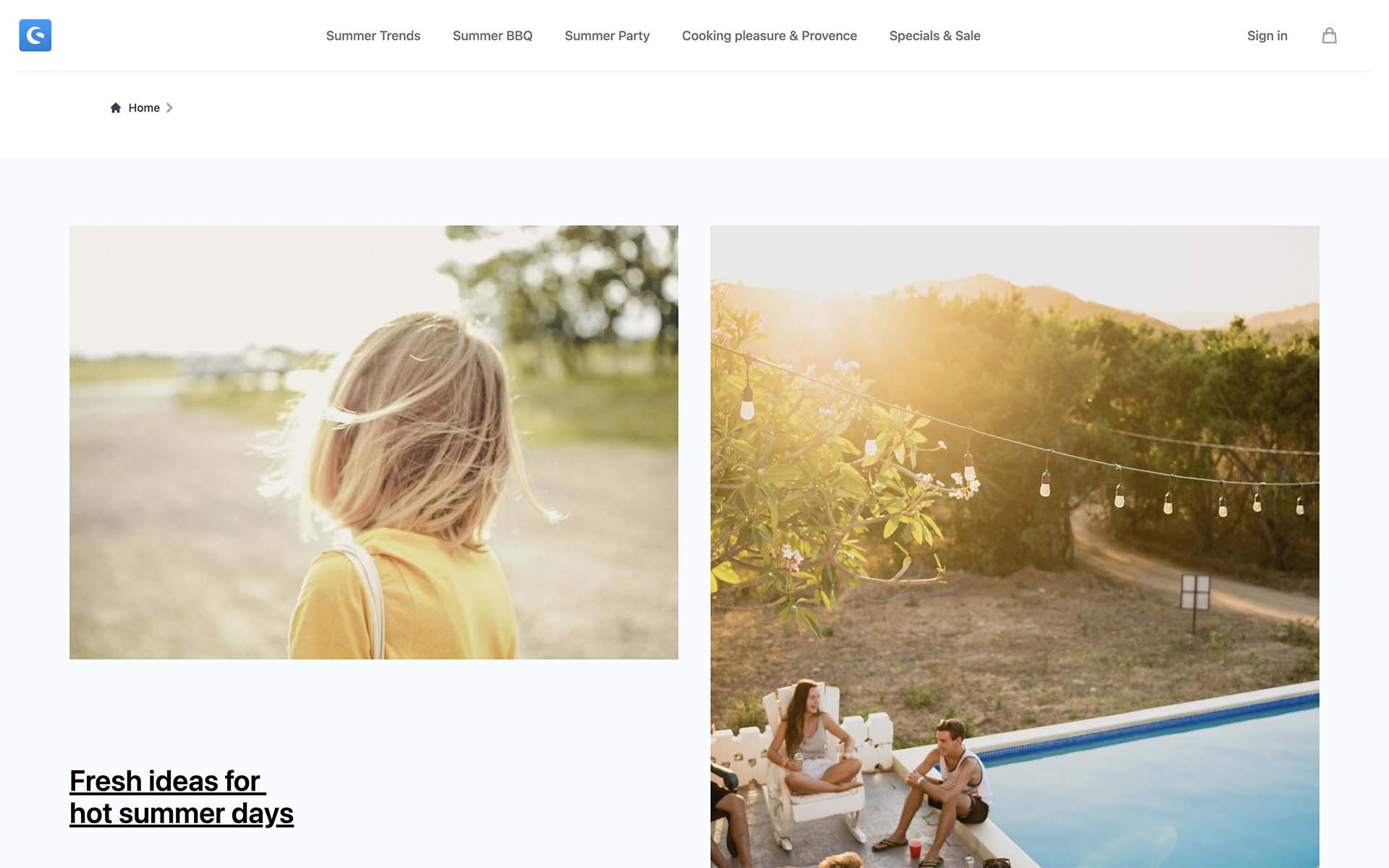
The Demo Store Template is not production-ready. It is only a reference implementation that contains most of the features which you can use as a starting point. It is not possible to update it automatically or install Shopware extensions on it.
The demo store template is a reference implementation of an online store UI. It comes with all default features implemented as boilerplate code - such as
- Navigation & Header
- Cart
- Checkout
- CMS Pages
It is based on Nuxt3 and UnoCSS (Tailwind)
Custom projects
It is possible to integrate Shopware Frontends into an existing project. This can be applicable if you have an existing frontend application and you want to build eCommerce functionality into it.
As of now, Vue.js and React projects are supported.
Framework supporting Vue
In theory, every place where the Vue instance is available, is supported by Shopware Frontends too.
The only requirement is to have a possibility to register a Vue 3 plugin, and that's what can be done in Astro.js as well.
